Click to download now, finish the installation quickly, and directly unlock the "all-round experience"
Screenshots
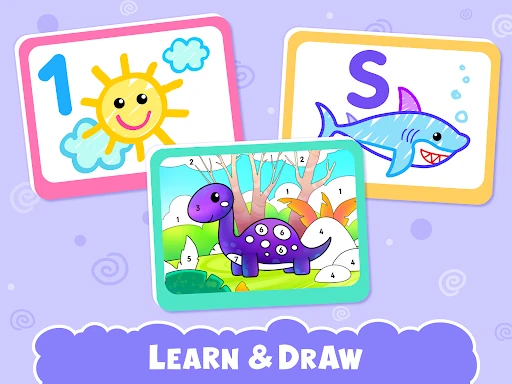
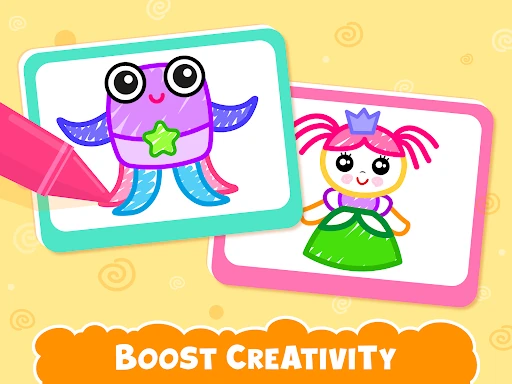
Click to download now, finish the installation quickly, and directly unlock the "all-round experience"
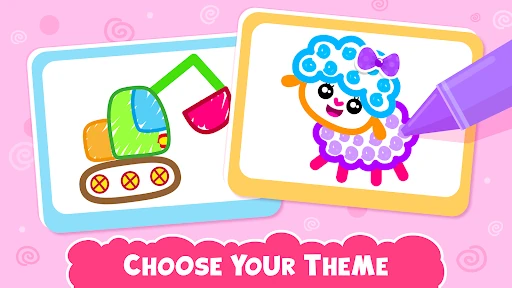
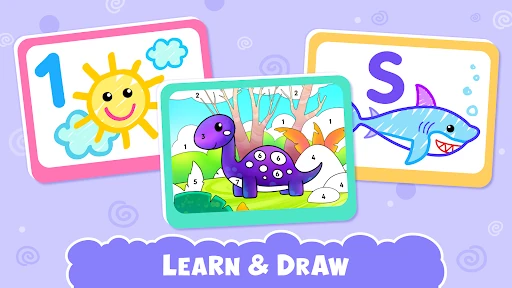
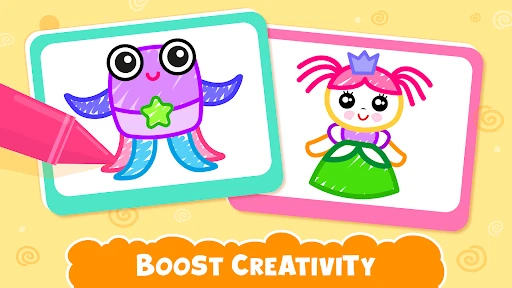
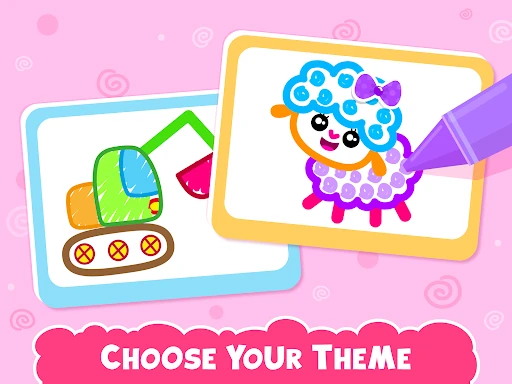
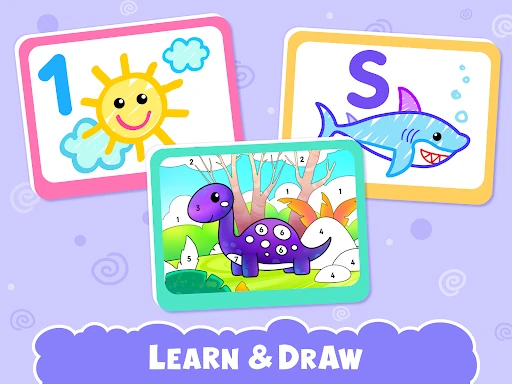
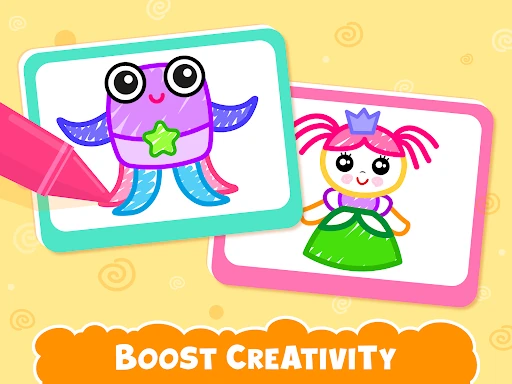
Kids Drawing Games for Toddler by Bini Games is a comprehensive, activity-rich art application squarely positioned in the competitive Preschool Educational category. It successfully merges core drawing mechanics with structured learning activities like color-by-number and ABC integration, targeting parents seeking to cultivate creativity and foundational skills in children ages 2-6. While its free-to-try model is standard, the app's strength lies in its volume of content and the engaging, animated feedback system designed to reward young artists.
The interface appears designed with its young audience as the primary user. Large, icon-based buttons, a simple navigation structure, and a bright, cheerful color palette meet the expectations for the Educational toddler category. The UX cleverly minimizes menus and instructions in favor of intuitive, tap-to-play interactions, which is crucial for pre-readers. However, the sheer volume of options and visual stimuli, while engaging, could potentially overwhelm some children at the lower end of the age range, suggesting a need for simplified modes or progressive complexity.
For the next update, the developers should consider introducing a "Free Draw" mode with a blank canvas and all basic tools accessible without guidance, fostering unstructured creativity alongside the tutorials. Adding a simple gallery to save and revisit a child's creations would give parents a tangible record of progress and pride. Furthermore, implementing a more nuanced difficulty progression—perhaps user-selected or adaptive—would better serve the broad 2-6 age range, ensuring both younger toddlers and kindergarten-aged children are appropriately challenged.
This app is ideally suited for parents and caregivers of toddlers and preschoolers (ages 2-5) seeking a structured, safe, and educationally-adjacent digital art activity. It is a strong recommendation for those looking to develop fine motor skills, color recognition, and early learning concepts in a fun, reward-driven environment. While the in-app purchase is a necessary consideration, the depth and quality of the content justify the investment for families whose children show a sustained interest. It is less ideal for those seeking a pure, open-ended digital drawing tool.