
Click to download now, finish the installation quickly, and directly unlock the "all-round experience"
Screenshots
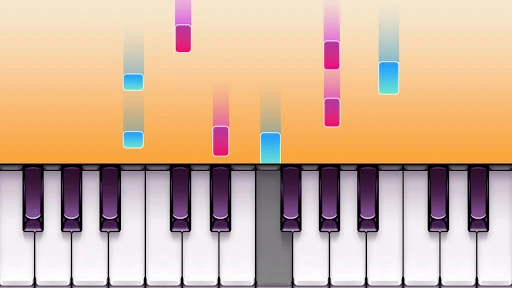
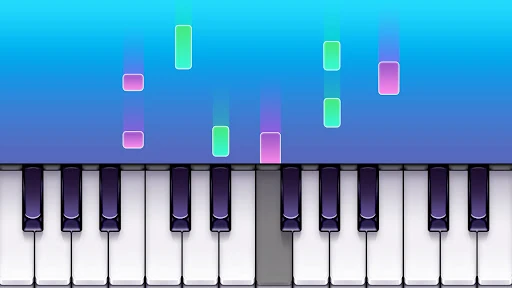
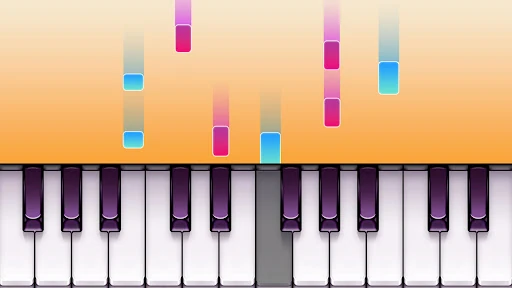
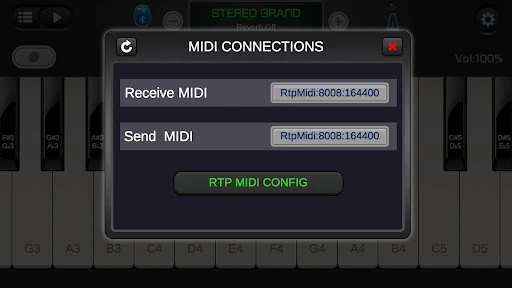
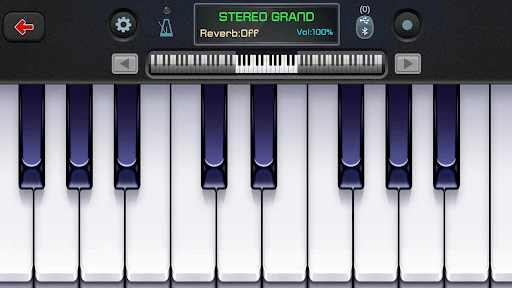
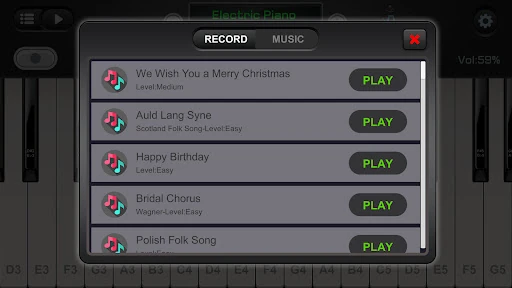
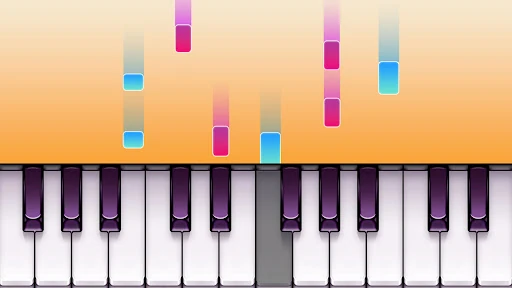
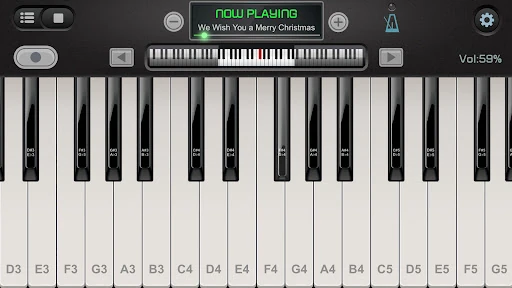
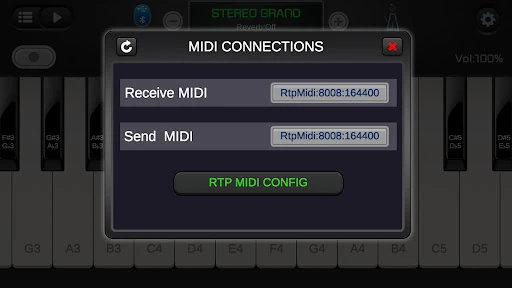
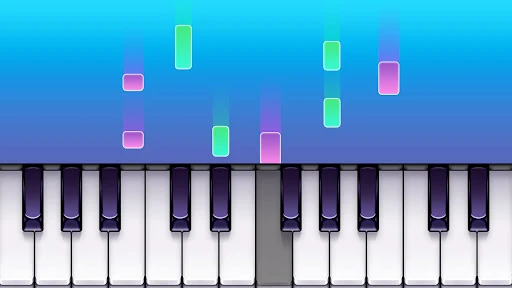
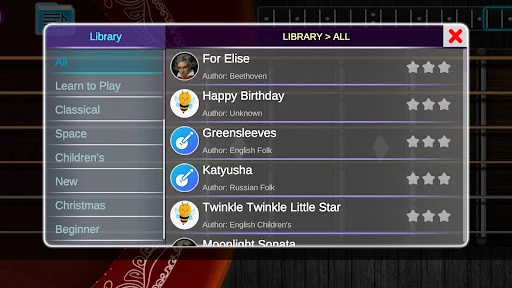
Click to download now, finish the installation quickly, and directly unlock the "all-round experience"
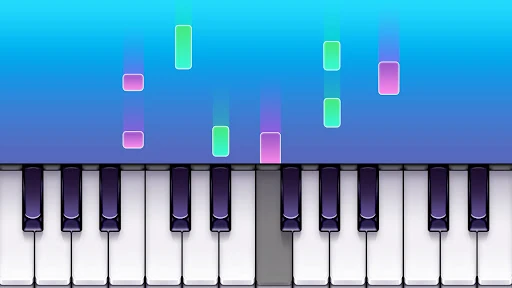
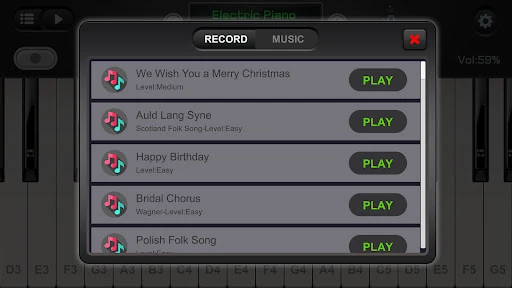
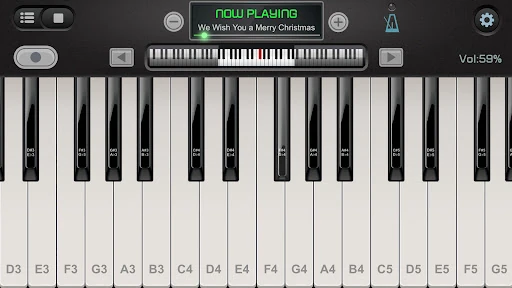
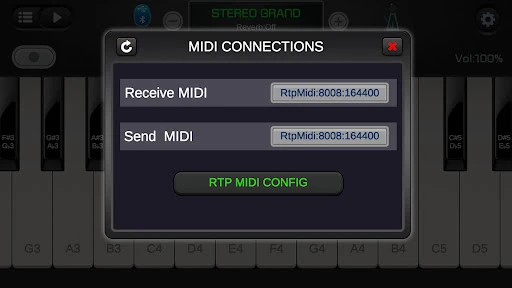
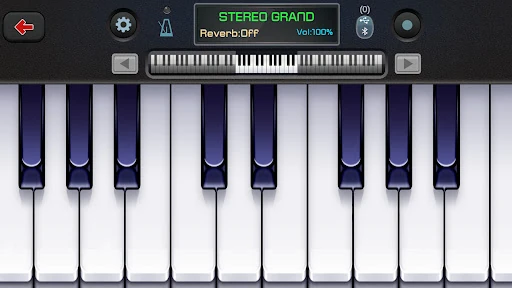
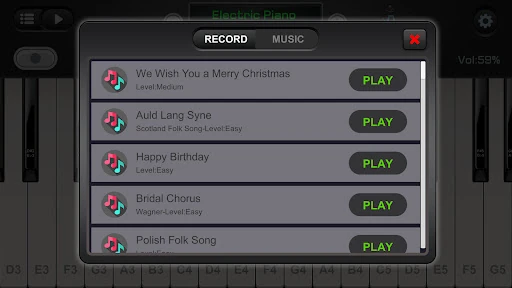
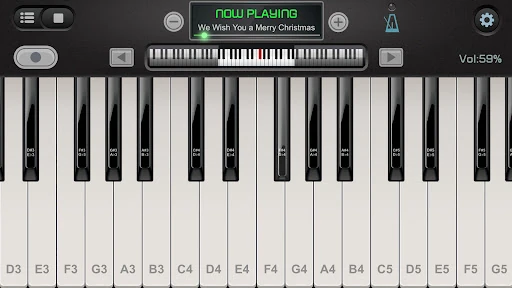
Real Piano For Pianists positions itself as a comprehensive digital piano emulator within the crowded Music category. Its focus on delivering a full 88-key experience, robust MIDI support, and a variety of practice modes indicates it targets users who are serious about piano practice and exploration, moving beyond a simple toy or casual game. While many apps offer basic virtual keyboards, this one stands out by incorporating features like audio recording, external instrument connectivity, and an ADSR filter for sound shaping, appealing to budding musicians and hobbyists seeking a more authentic and flexible practice tool.
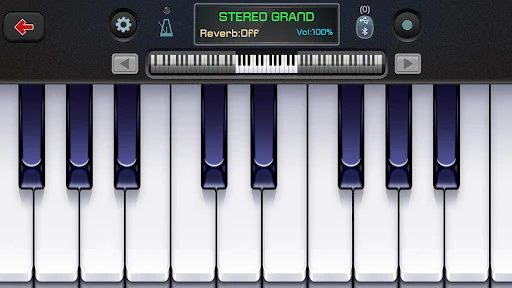
The app appears to prioritize functional flexibility over polished minimalism, which is a pragmatic approach for the Music & Audio category. Features like keyboard resizing, multiple viewing modes (single/double row), and 128 instrument skins suggest a high degree of user customization. The inclusion of an ADSR filter for pro-level sound tweaking is a significant plus for sound quality. However, the sheer density of options listed—from metronome to force touch—could potentially overwhelm a new user. A well-organized, tiered menu system would be essential to prevent the UX from feeling cluttered and to ensure these powerful features remain accessible.
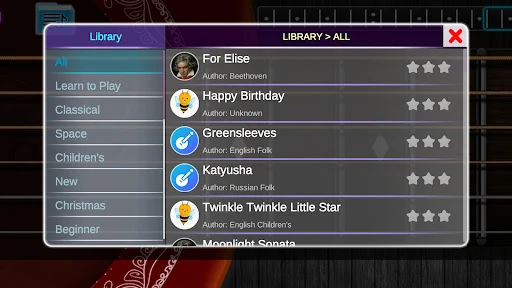
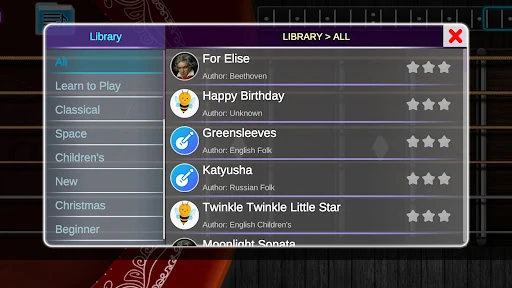
The most constructive update would be the introduction of a structured "Learning Path." This could integrate the existing songs and chord modes into progressive lessons with visual guides and performance scoring. Secondly, improving the organization of the settings and instrument menus would enhance usability—consider a "Beginners Mode" that simplifies the interface. Finally, implementing cloud save/backup for user recordings would add significant value and peace of mind for users investing time in creating music.
Real Piano For Pianists is best suited for hobbyists, music students, and amateur pianists who already understand basic concepts and are looking for a versatile, portable practice studio. It is ideal for those who want to experiment with sounds, record ideas, or use their tablet as a secondary sound source for their digital piano. It is less recommended for complete novices who need hand-holding. For its price point (free), it offers remarkable technical capability, making it a strong recommendation for its target audience of self-directed learners and tinkerers.