Remote for Fire TV & FireStick
BoostVision
Downloads
5,000,000+
Version
Latest
Click to download now, finish the installation quickly, and directly unlock the "all-round experience"
Screenshots
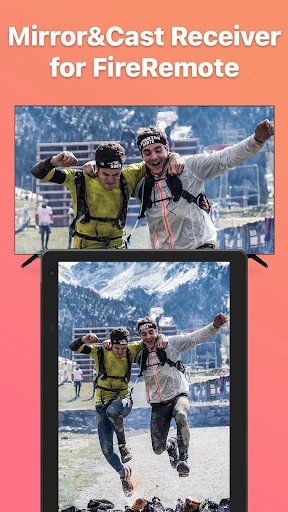
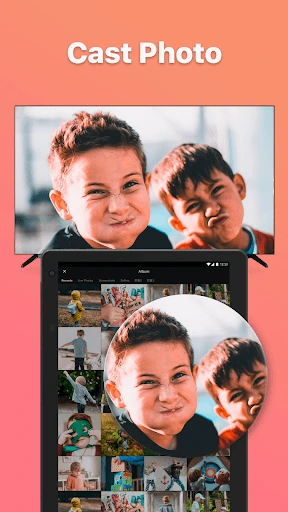
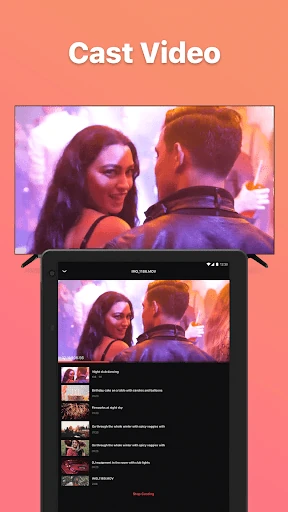
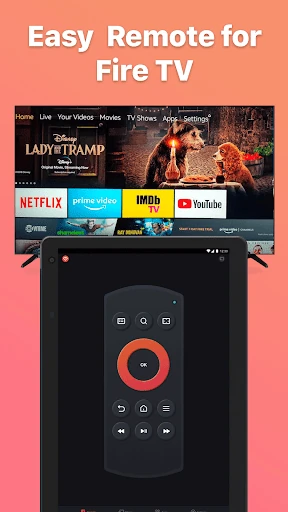
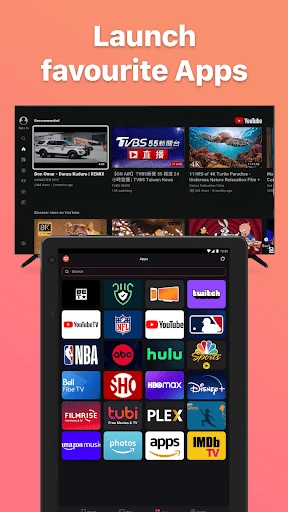
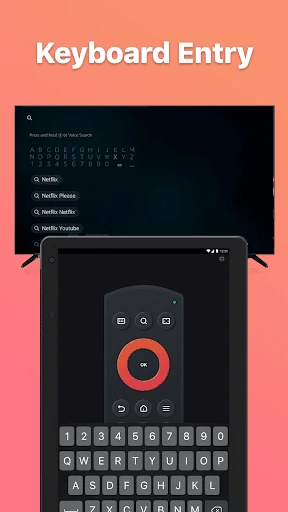
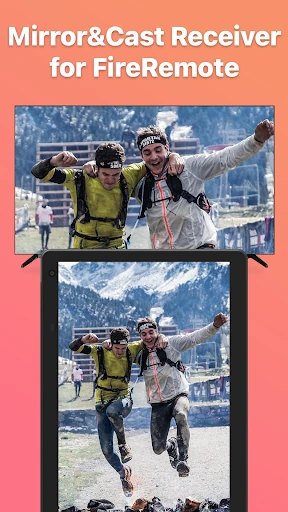
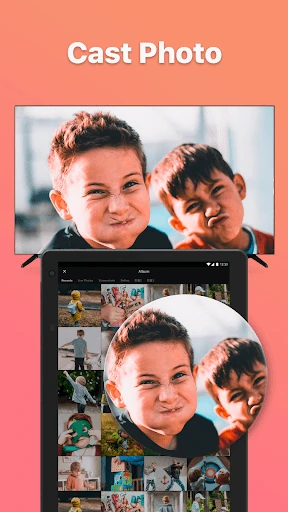
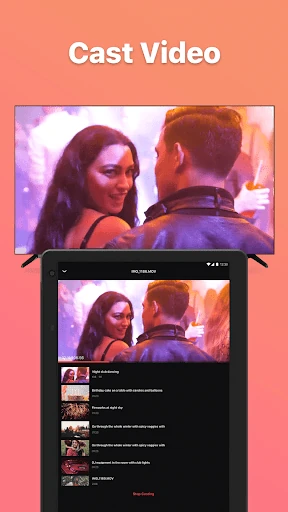
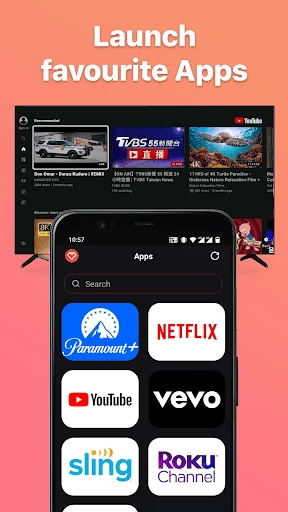
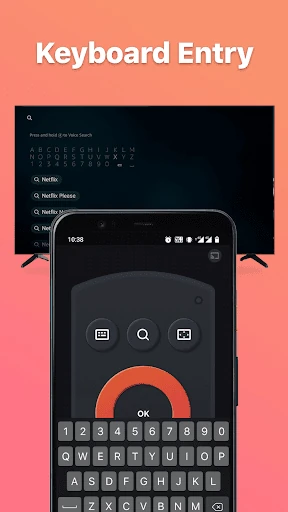

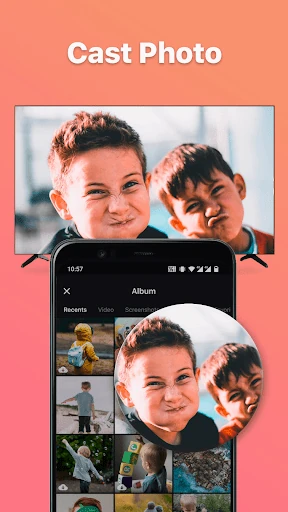
Click to download now, finish the installation quickly, and directly unlock the "all-round experience"
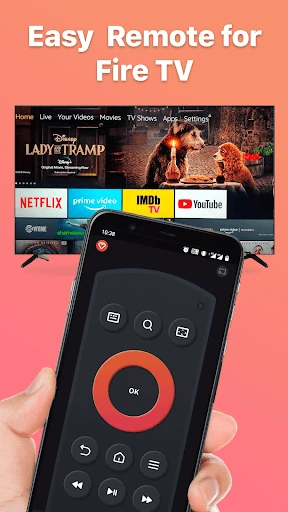
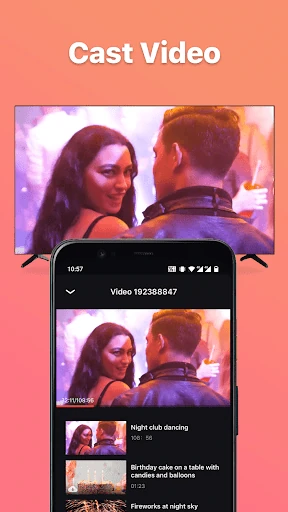
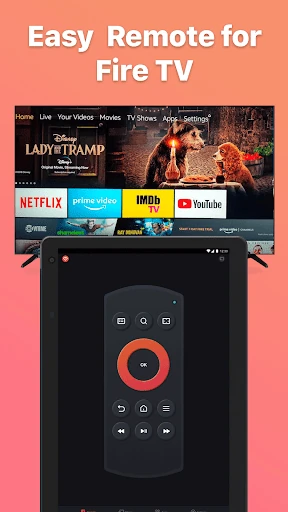
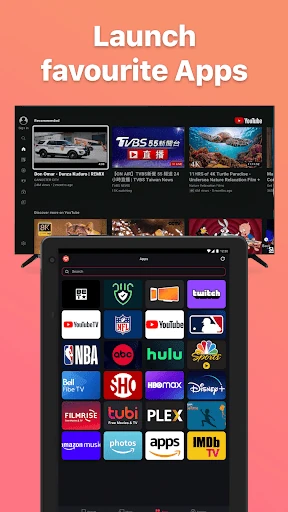
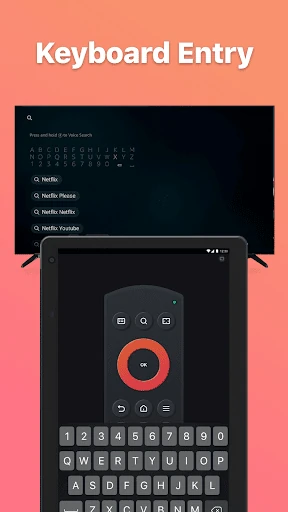
Remote for Fire TV & FireStick emerges as a practical solution in the densely populated Entertainment category, targeting users seeking more convenient control over their Amazon Fire TV ecosystem. This unofficial, third-party app effectively transforms an Android device into a versatile remote, keyboard, and screen-casting hub. Its primary value proposition lies in replacing or augmenting the physical remote, particularly useful for scenarios where the original is lost, has weak batteries, or when text input via a phone keyboard is vastly preferable. By facilitating both control and content sharing across the same Wi-Fi network, the app carves out a useful niche for streamlined media consumption management.
The UX is heavily reliant on functional clarity over aesthetic flourish, which is appropriate for a utility app. The on-screen remote layout is immediately familiar to any Fire TV user, ensuring low learning friction. However, the need for initial ADB debugging on the Fire TV is a significant UX hurdle for non-technical users, placing a setup burden that most mainstream entertainment apps avoid. The requirement to download a separate companion app for mirroring adds another step, potentially fragmenting the experience. Within the app itself, the interface appears to prioritize clear button labeling and straightforward menus, which is a positive, but the overall journey from download to full functionality has notable points of friction.
The most critical update should focus on simplifying the initial connection process. Implementing a more consumer-friendly pairing method, such as a PIN code shown on the TV screen or leveraging existing Amazon account linkages, would drastically improve accessibility. Secondly, integrating the screen mirroring receiver functionality directly into the main app's connection protocol, if technically feasible, would create a seamless "one-app" experience. Finally, enhancing the visual design of the remote interface with themes, customizable button layouts, or haptic feedback could elevate the app from a pure utility to a more polished product.
This app is best suited for tech-savvy Fire TV owners who have misplaced their remote, desire faster text input, or frequently cast media from their Android phone and are comfortable with basic developer settings (ADB). It is not recommended for users seeking a completely seamless, plug-and-play experience. For those willing to navigate the setup hurdles, Remote for Fire TV & FireStick delivers robust functionality that genuinely enhances the convenience of using a Fire TV device, making it a valuable, albeit unofficial, tool in an enthusiast's entertainment toolkit.