Time Clock: Easy Tracker
Time Squared (TSQ Publishing Corp.)
Downloads
1,000,000+
Version
Latest
Click to download now, finish the installation quickly, and directly unlock the "all-round experience"
Screenshots
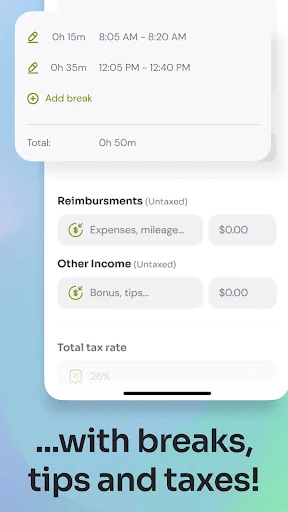
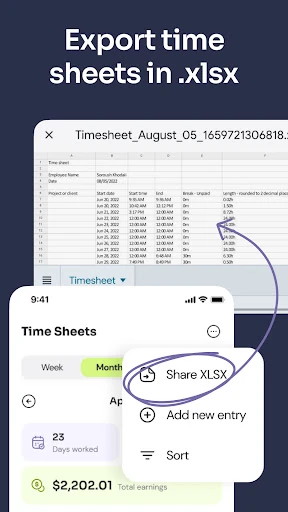
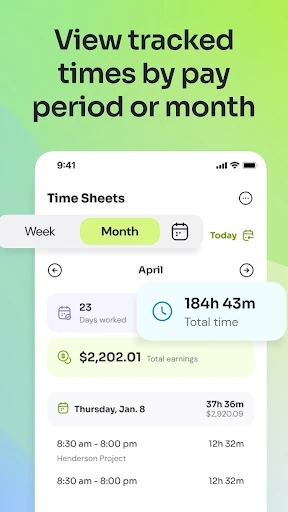
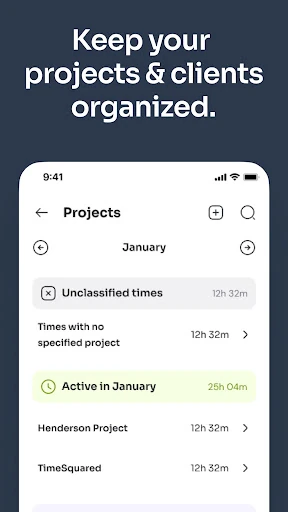
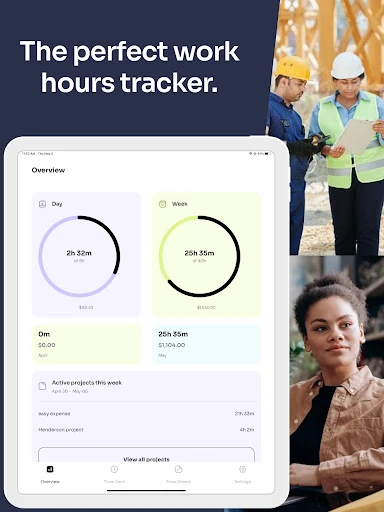
Click to download now, finish the installation quickly, and directly unlock the "all-round experience"
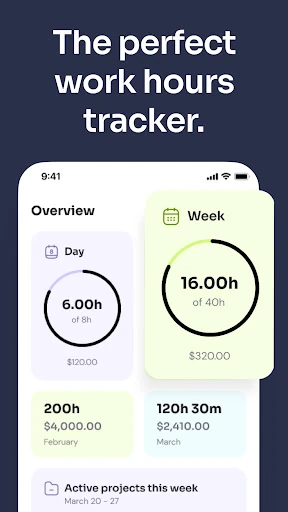
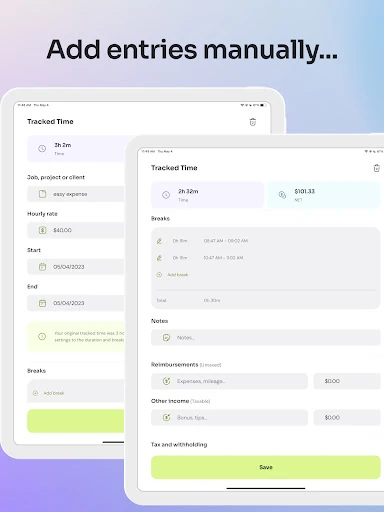
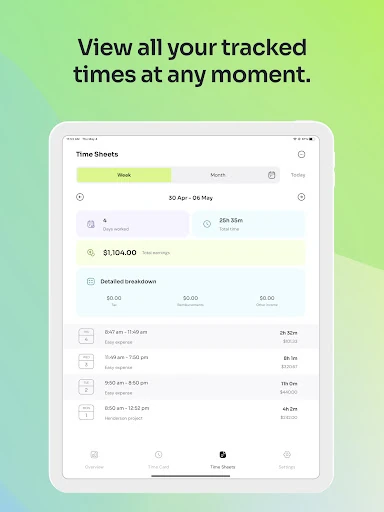
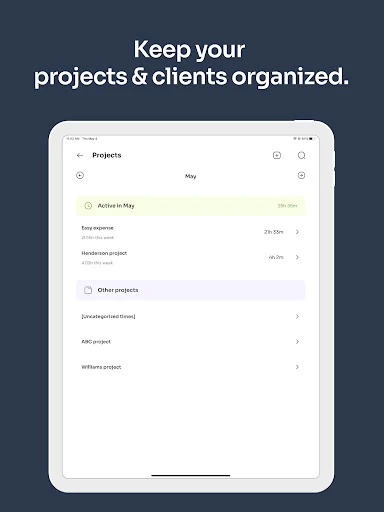
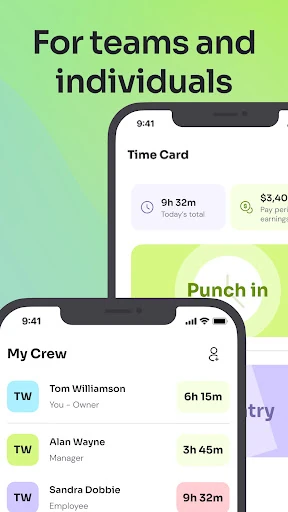
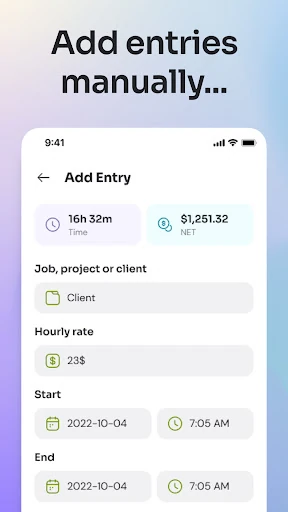
Time Clock: Easy Tracker positions itself as a robust, no-nonsense solution within the crowded Business category. It carves out a clear niche by serving a dual-purpose audience: self-employed individuals and small business owners. The app prioritizes functionality over flash, focusing on core time-tracking needs with practical features for creating timesheets and managing payroll or invoicing data. Its cloud-based architecture provides the necessary foundation for reliability and cross-device access, marking it as a pragmatic choice for professionals seeking to move away from manual, paper-based systems.
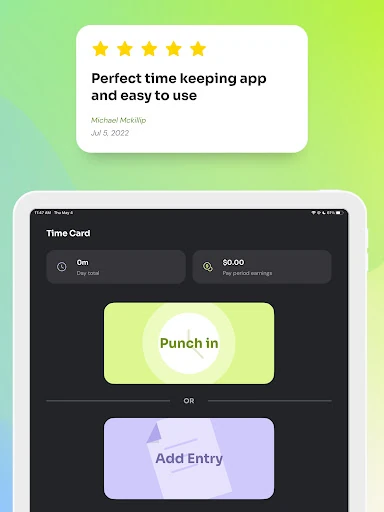
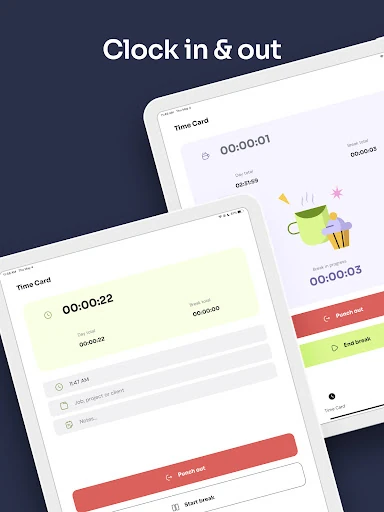
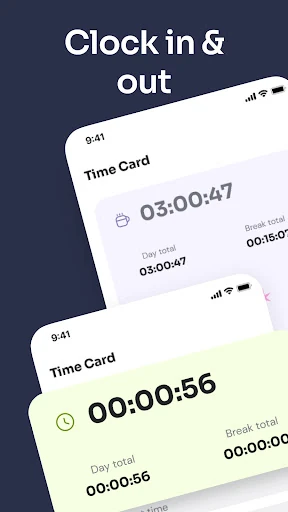
The interface appears to be designed with efficiency as the primary goal, which aligns well with the utilitarian nature of business time-tracking apps. Features like the home screen widget for one-tap clock-ins and the promise of "a matter of seconds" for timesheet creation indicate a focus on reducing friction for daily use. The adherence to standard Material Design components for Android should ensure familiarity and ease of navigation. For a Business app, this practical, task-oriented UX is appropriate, though it may lack the polish or visual flair of consumer-focused productivity tools.
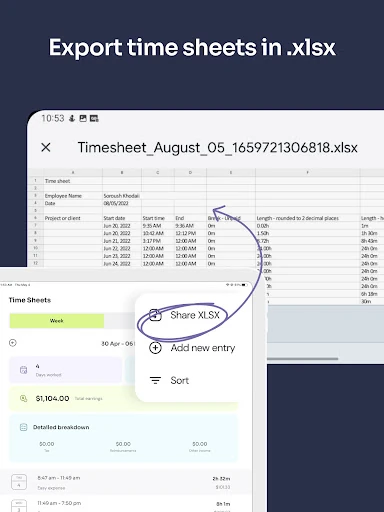
The next major update should focus on ecosystem integration and enhanced collaboration. Key suggestions include: developing direct API integrations with platforms like QuickBooks, FreshBooks, or Gusto to automate data flow; adding team management features such as role-based access controls for managers and employees; and incorporating more visual data analytics, like charts within the app, to complement the spreadsheet exports. These additions would significantly elevate the app from a powerful personal tracker to a central hub for small business operations.
Time Clock: Easy Tracker is highly recommended for freelancers, sole proprietors, and small business owners with a simple team structure who need a reliable, self-contained system for tracking billable hours and generating timesheets. It is ideal for tradespeople, consultants, and other self-employed professionals juggling multiple clients. The app excels at its core function but currently operates best as a standalone tool. Businesses anticipating complex growth or needing deep software integration may find it limiting in the long term, but for its intended audience, it delivers substantial value by efficiently digitizing a fundamental business process.