Click to download now, finish the installation quickly, and directly unlock the "all-round experience"
Screenshots
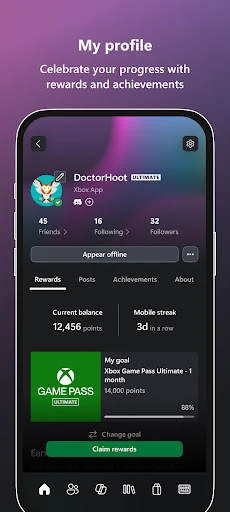
Click to download now, finish the installation quickly, and directly unlock the "all-round experience"
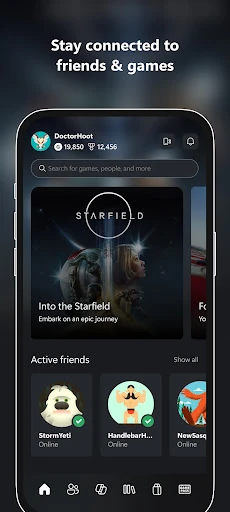
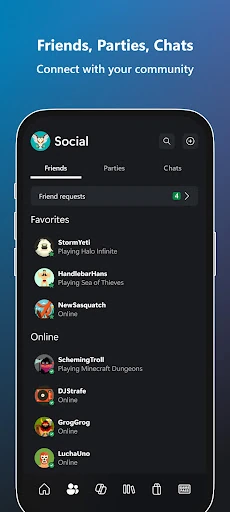
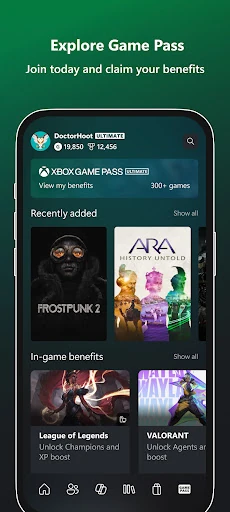
The Xbox app is a strategically essential companion tool in Microsoft's gaming ecosystem, solidifying its position as a premier hub within the Entertainment category. It successfully transcends being a mere remote control for your console, evolving into a unified social and management layer that bridges Xbox consoles, PCs, and mobile devices. This app is designed to keep the user immersed in the Xbox community and content stream, regardless of their primary gaming platform.
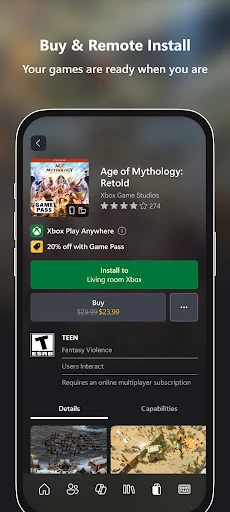
The interface prioritizes quick access to core functions like social feeds, messages, and the Game Pass library, adhering to standard bottom navigation patterns expected in modern mobile apps. The UX design effectively consolidates a high volume of information—notifications, achievements, store content, social chats—into a relatively streamlined flow. Its strength lies in mirroring the console dashboard's logic, reducing the learning curve for existing Xbox users. Performance and clarity in presenting dense information (like game catalogs) are key areas where it must excel to meet Entertainment category standards.
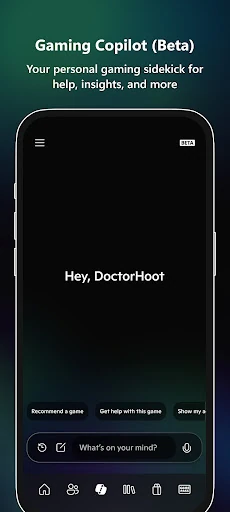
A clear future update should focus on personalization and information hierarchy. Introducing customizable home tabs or widgets would allow users to prioritize their most-used features (e.g., chat, Game Pass, store). Enhanced filtering and sorting within the notification and activity feed sections would help manage information overload. Furthermore, refining the Gaming Copilot beta based on user feedback to ensure its advice is contextually accurate and genuinely helpful will be crucial for the feature's long-term success.
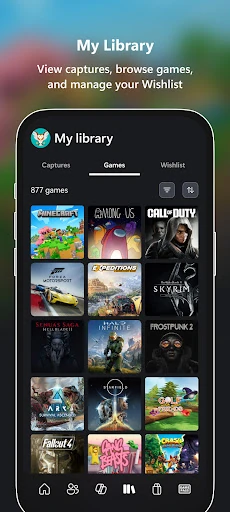
This app is a must-download for any dedicated Xbox console or PC gamer subscribed to Xbox Game Pass. It is an indispensable tool for managing their library, staying connected with friends, and maximizing their subscription value. For casual gamers or those not invested in the Microsoft ecosystem, the app's utility is significantly diminished. The final verdict is that the Xbox app is a best-in-class companion application that successfully fulfills its core mission of ecosystem unification and user retention.